
Start small.
Leave room to grow.
The most useful first lab is one you can understand and recover. Decide what it should do before deciding how much hardware it needs.
The most useful first lab is one you can understand and recover. Decide what it should do before deciding how much hardware it needs.
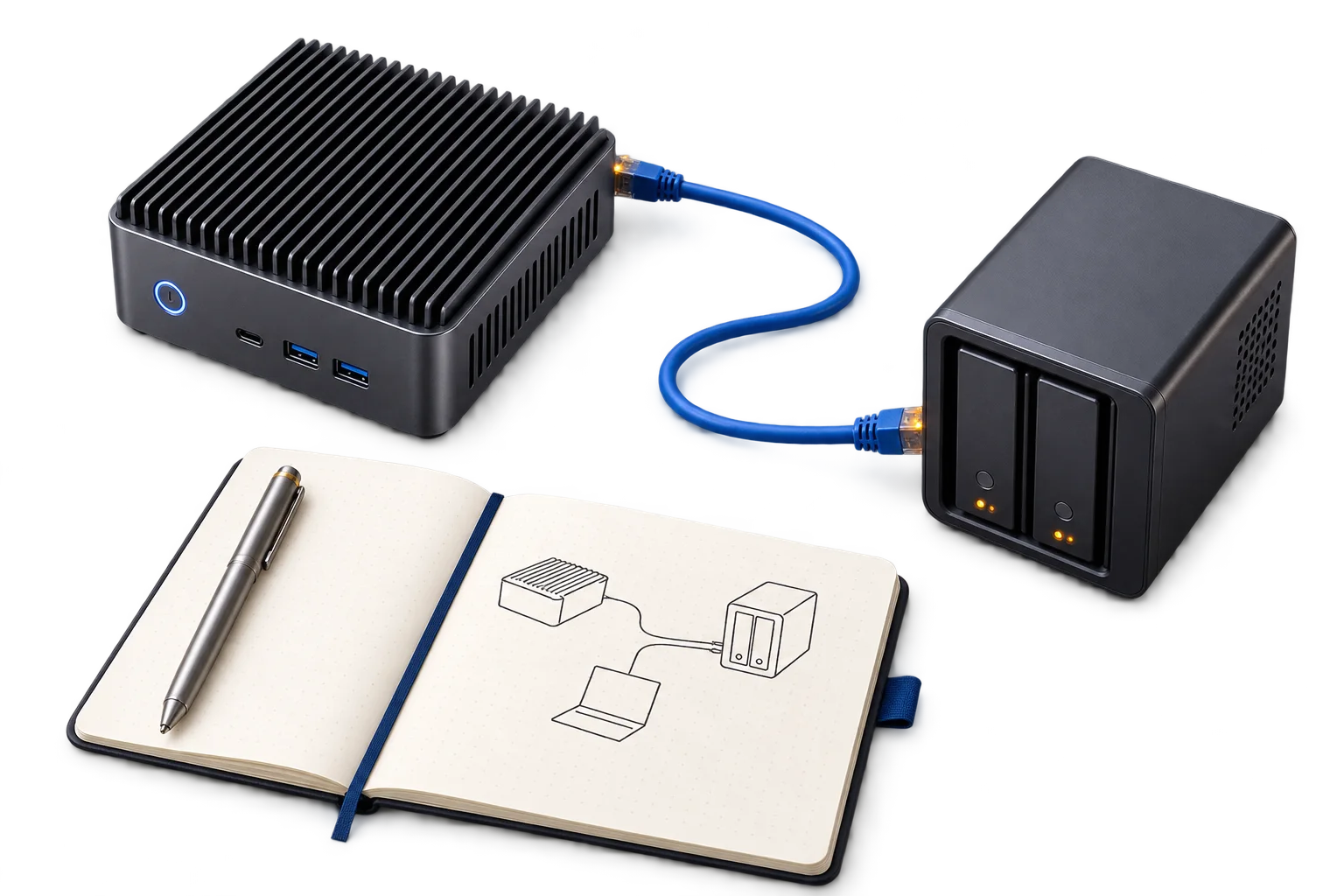
Host · network · storage
Configure & document
Check · back up · recover
Choose a first service with a clear purpose: a small application, a place to practise virtualisation, or a system you can rebuild. A narrow goal makes it easier to separate useful learning from accidental complexity.
Write down which device provides routing, where the lab lives on the network and how you will reach it when the main application is unavailable. Keep a simple map of addresses, storage and dependencies.
A second copy and a restore exercise are part of the design. Record what must be backed up and what can be rebuilt. Check recovery before relying on the service for important data.
A short note about each meaningful change is more useful than a long setup guide that no longer matches the system. Record the reason, the result and how to undo it.

IP-KVM sourcing candidate for remote display, keyboard and recovery workflows.

Mounts, shelves and cable-management candidates for compact lab installations.
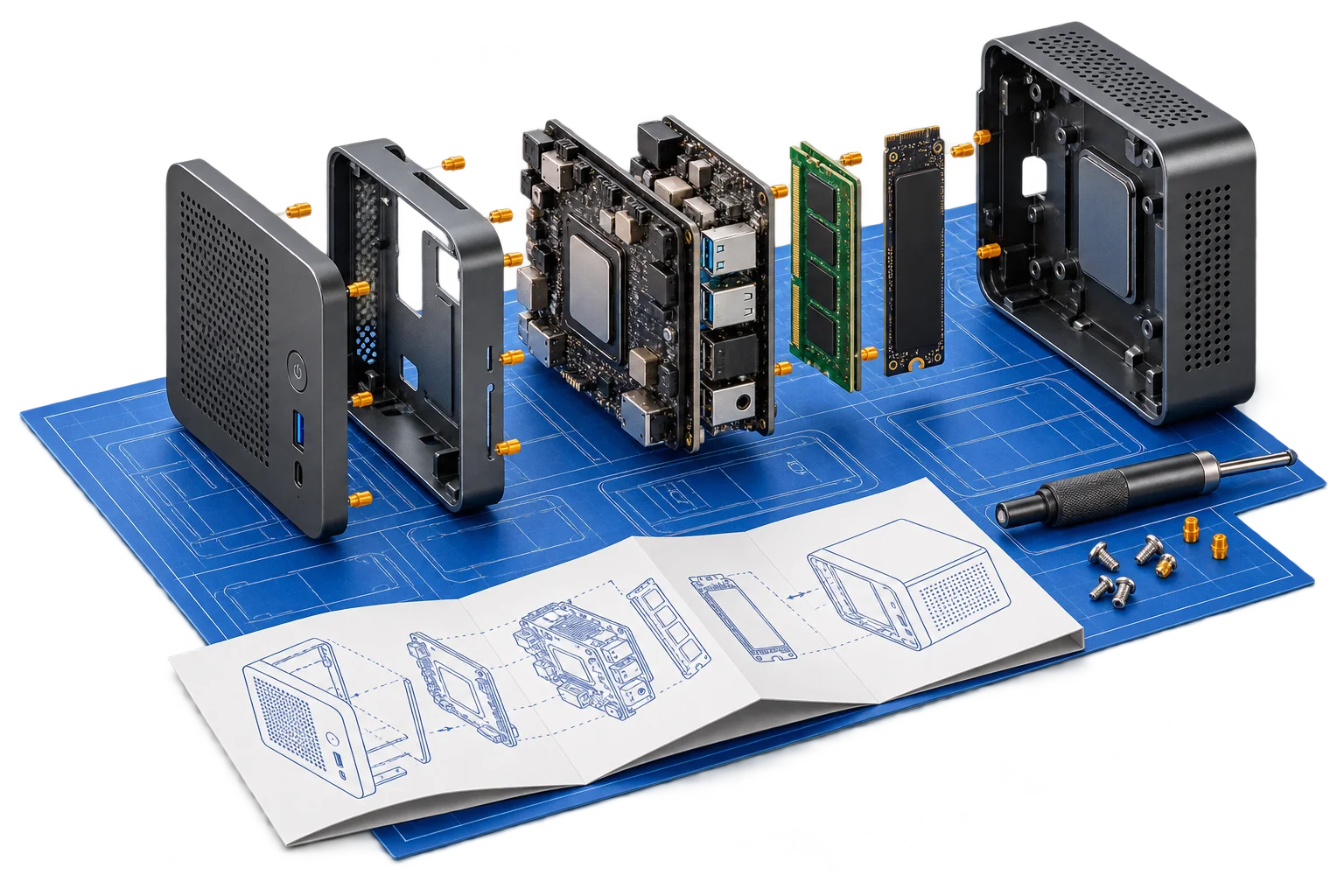
A planned DE/EN blueprint for a single-host lab, deliberate networking and a repeatable first deployment.
Network planning, homelab setup, smart home and everyday IT. Build it yourself, or bring us in where it helps.
Discuss your setup